Teacher Game Control Center
Teacher profile not set.
Start a live game now, or schedule a future At The Cross: Philippians session.
1Start Live Session
This is the default path. The teacher starts the game immediately, receives a join link, and opens the Teacher Dashboard.
- Create live session
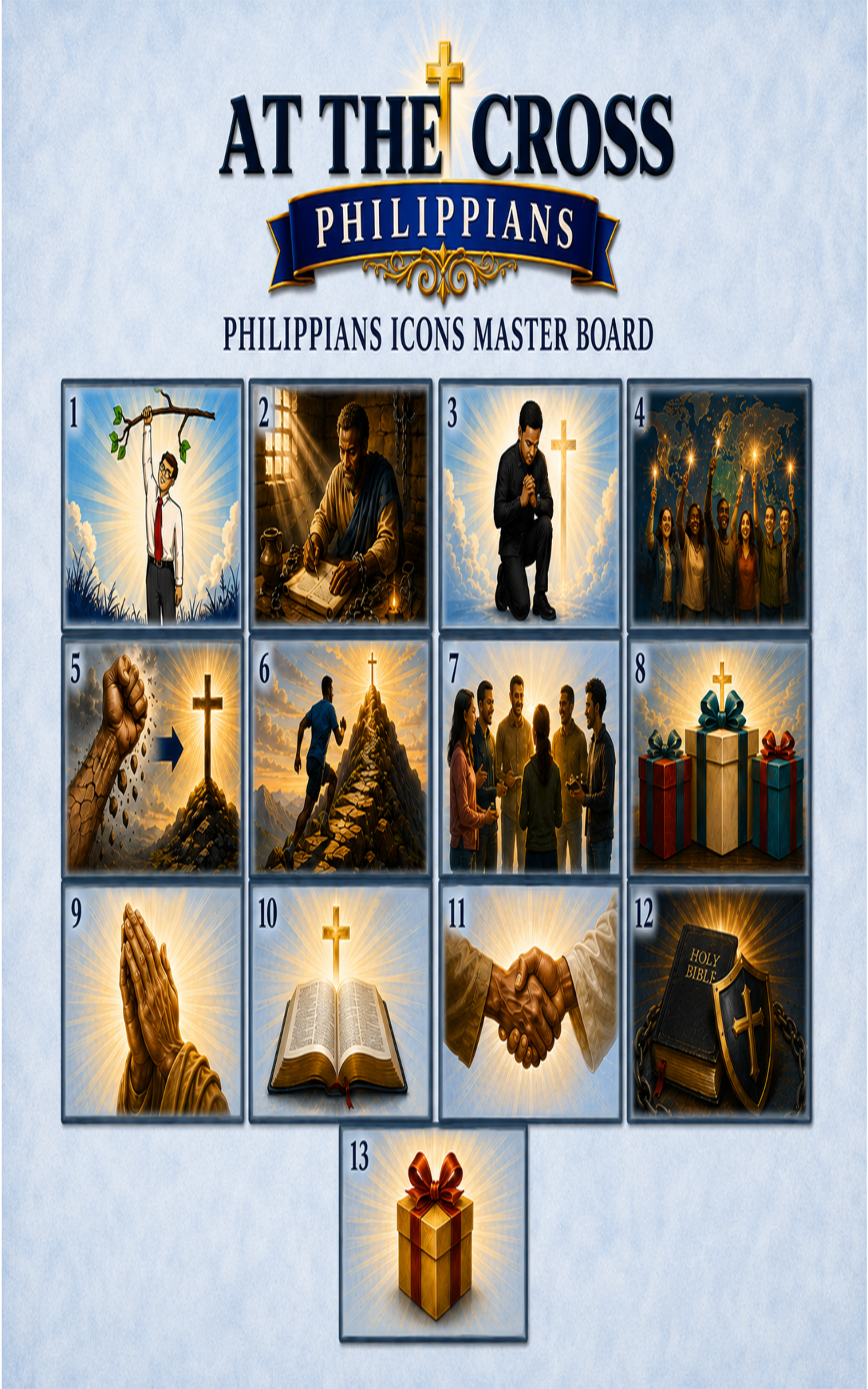
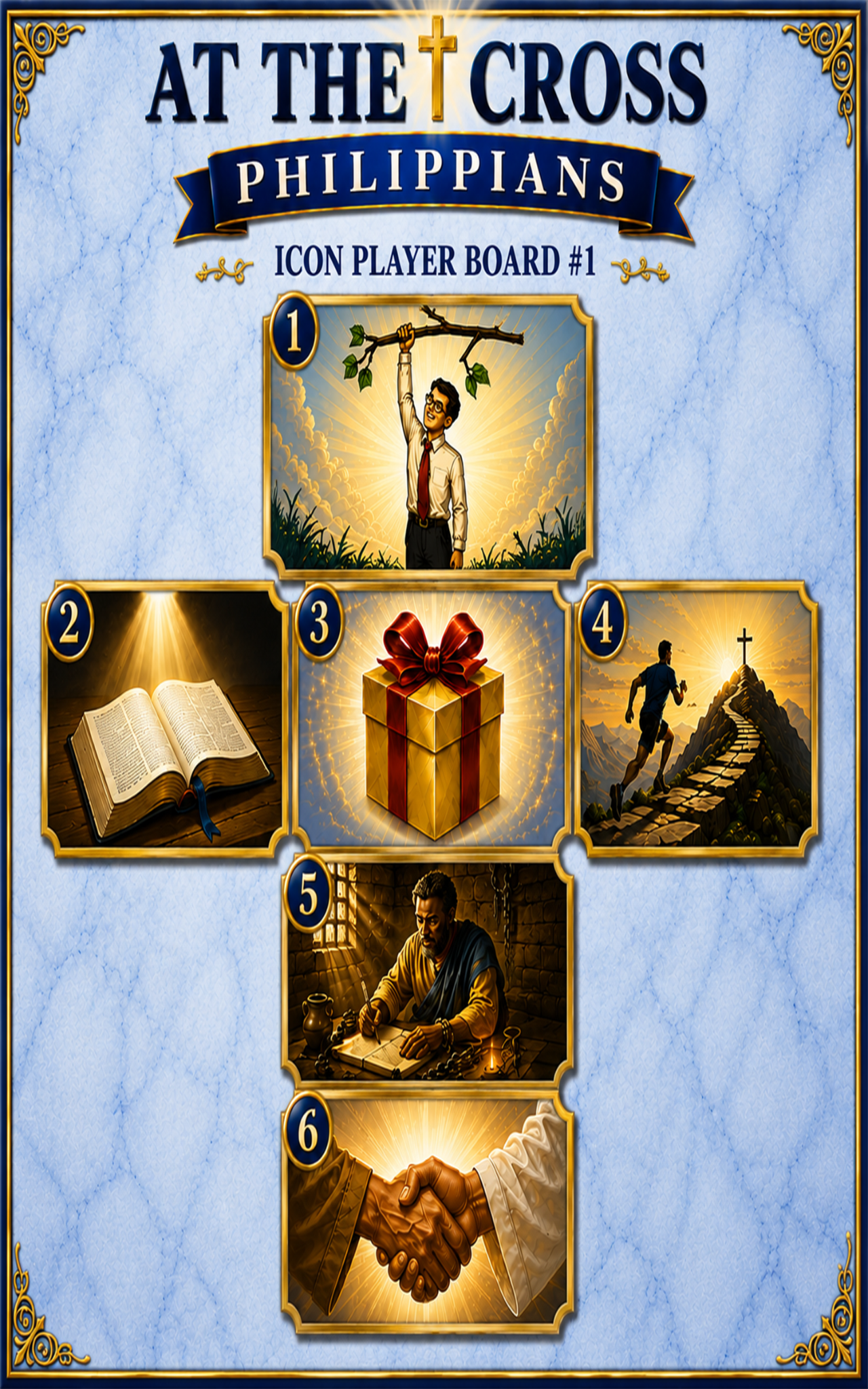
- Shuffle 13-card deck
- Open teacher controls
2Schedule Future Game
Use this when the class will meet later. Time zone defaults to EST, but can be changed for global players.
- Save multiple meetings
- Edit or delete meetings
- Email invite links
3Select Game Type
4Communication Settings
5Game Settings
6Begin Game
Review your setup, then begin.
7Scheduled Meetings
Review saved meetings here.
No scheduled meetings yet.
8Global Class Signup
Schedule a class, email the class signup link, and allow the first 8 players to register. Extra players request another class.
Signup link will appear here.
No signups yet.